Paste a link. We clip the highlights. You grow.
Paste any YouTube video or live stream link. We find the highlights and deliver ready-to-post short-form clips.
Paste any YouTube link — live or recorded.
No credit cardAny YouTube videoFirst 3 clips free
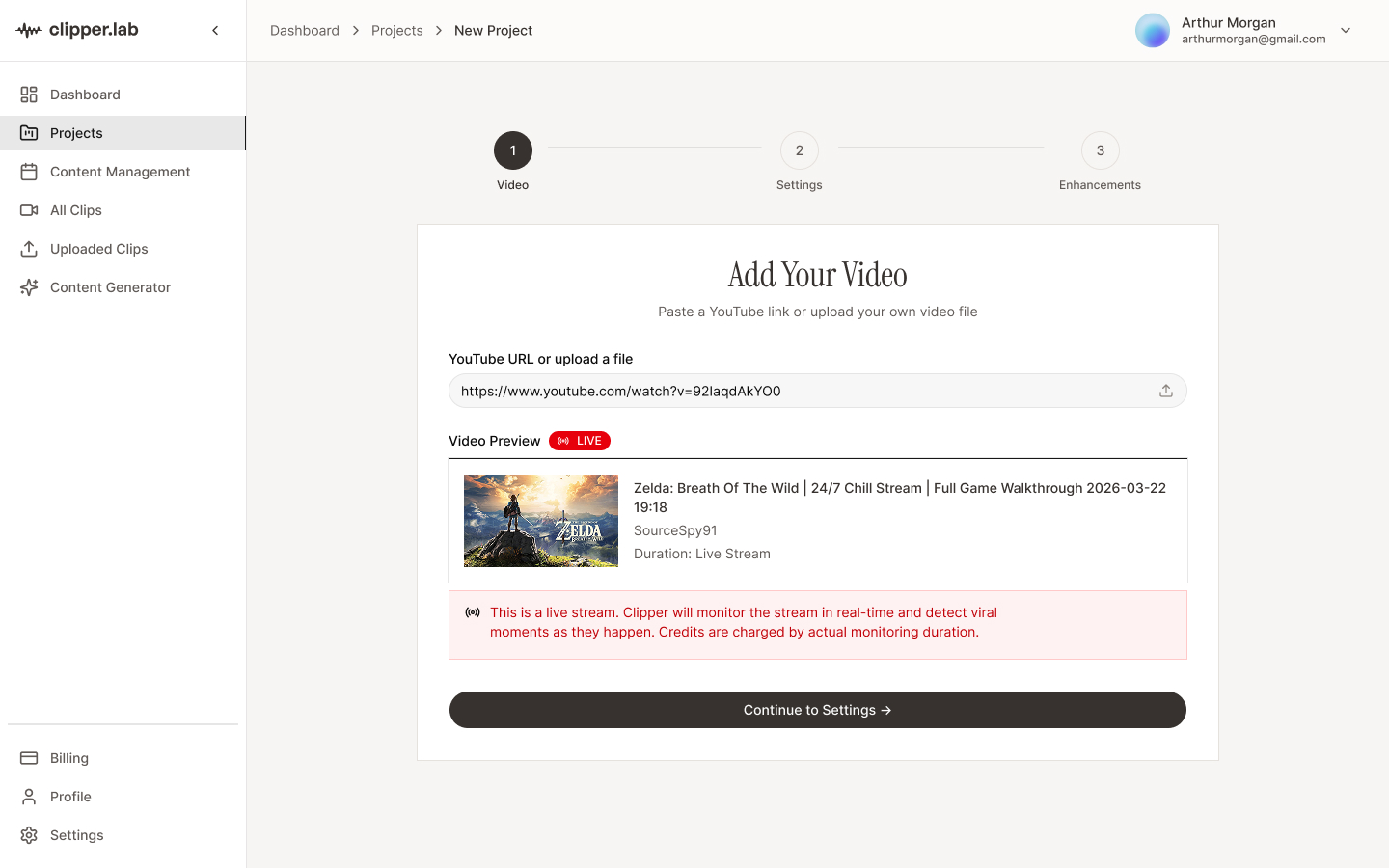
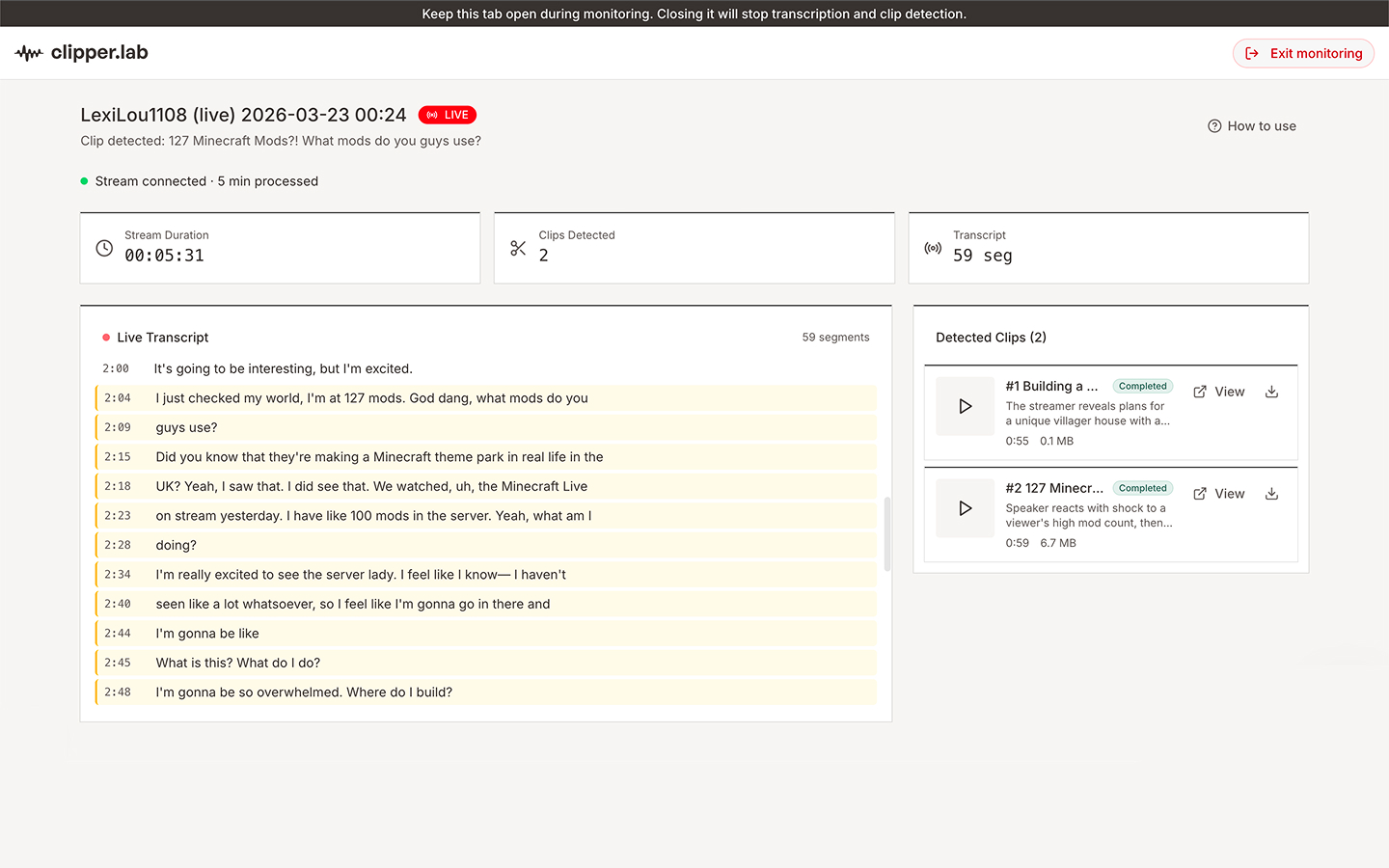
Go live (or paste a link)
Connect your YouTube or Twitch stream. Or drop in a video you already recorded. ClipperLab connects instantly.
We find the moments
ClipperLab watches for big reactions, quotable lines, and peak energy — and clips them automatically.
Post in minutes
Review your clips and push them to TikTok, Shorts, or Reels. Or download them. Done.
The problem
You're going live.
But are you growing?
Your best moments vanishYou say something great on stream. Five minutes later, it's gone. Nobody clipped it. Nobody shared it.
Editing takes longer than streamingScrubbing through 2 hours of footage to find 60 good seconds isn't a content strategy. It's punishment.
Short-form is where new followers come fromTikTok, Reels, Shorts — that's where creators grow. You're streaming long. The gap is costing you followers.
What you get
One stream.
Ten pieces of content.
Ten pieces of content.
You do the streaming. ClipperLab does the clipping, captioning, and formatting. Show up everywhere without doing extra work.
Your best moments, saved
You say something great. We clip it, caption it, and format it for vertical video — while you keep streaming.
Epic Moment
0:45
Ready
Best Highlight
1:20
Processing
Key Takeaway
0:58
Ready
No more rewatching your own footage
Forget scrubbing through 2-hour VODs. We find the highlights. You review and post.
AI Analysis
3 clips found
Hook
0:12 - 0:58
95
Key Point
1:20 - 2:05
88
Highlight
3:45 - 4:30
92
One clip, every platform
TikTok, Reels, Shorts. Same clip, posted everywhere. All from one screen.


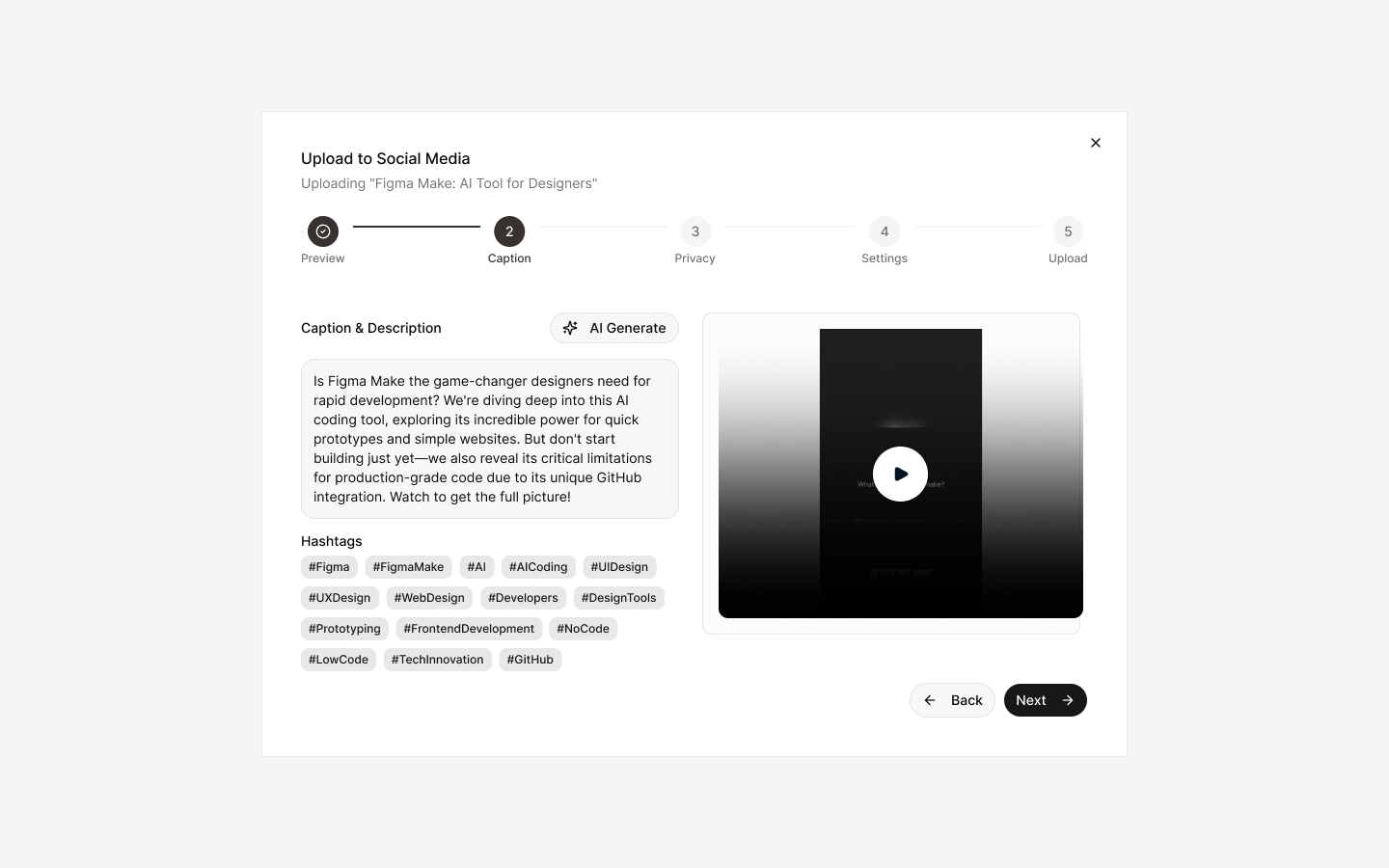
You approve every post
We never auto-post. You review your clips, pick your favorites, and publish when you're ready. Full control.
OAuth Protected
Secure account connections

YouTube
Connected via OAuth

TikTok
Connected via OAuth

Instagram
Not connected
Connect
You control when to publish. No automated posting.
Live Clipping
Don't let your best moments disappear the second the stream ends
Most streamers go live for hours and post nothing. ClipperLab clips your highlights as you stream — so by the time you log off, your content is already done.
Clips happen in real time — no waitingNo need to wait for the replay. Capture the moment the instant it happens.
Works inside your browser — no setupInstall the extension once. Clip any YouTube or Twitch stream from the same tab you're watching in.
Missed a moment? Rewind up to 90 secondsClipperLab keeps a rolling buffer of your stream. If something great just happened — you can still clip it.
Subtitles added. Face always in frame.The same auto-captioning and face framing that powers our VOD clips works live too.
Start clipping your videos →Free to try — upgrade when you're ready
Platform Features
Streamline your business operations
Manage schedules, analyze data, and collaborate with your team
all in one powerful platform.
all in one powerful platform.
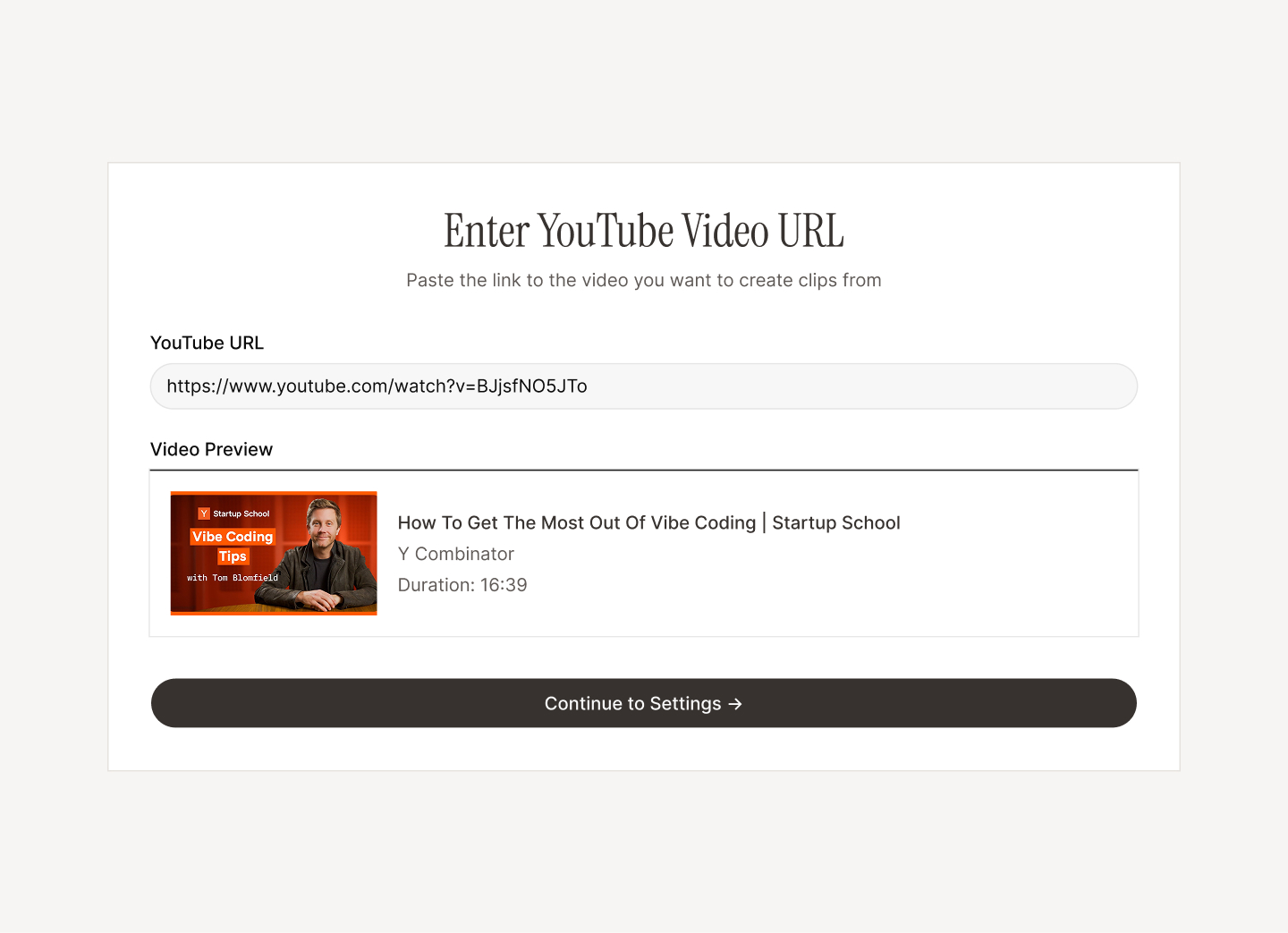
Paste Your Video
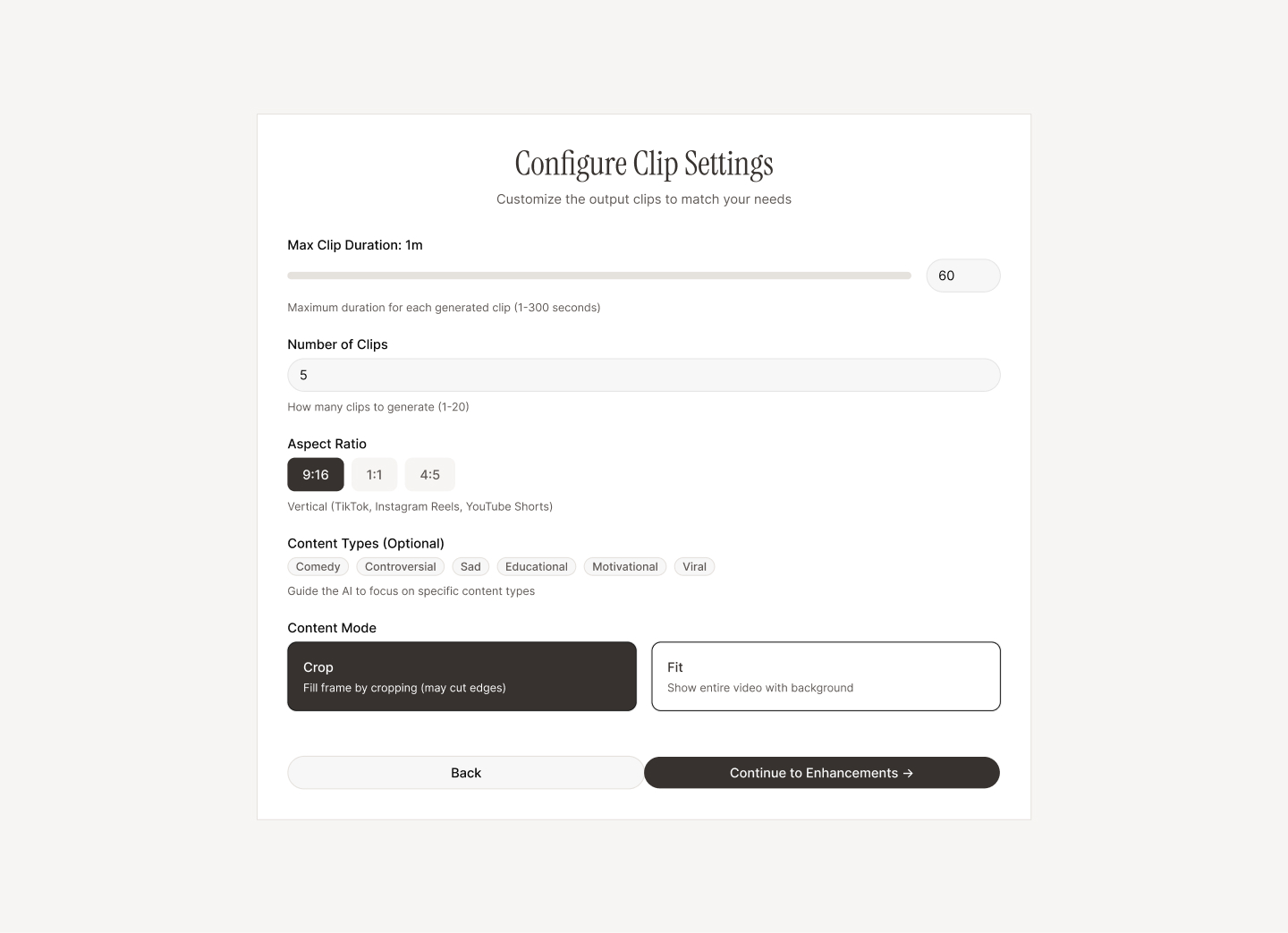
Enter a YouTube link and choose how long you want each clip to be.
AI Finds the Best Moments
We transcribe, analyze, and select high-impact segments.
Review & Publish
Edit if needed, then upload to TikTok or download instantly.
Loading pricing...
Frequently Asked Questions
Quick answers to what creators ask
before they sign up.
before they sign up.
Processing time depends on video length. A 30-minute video typically takes 3-5 minutes to transcribe and generate clips. You can monitor progress in real-time from your dashboard.
Currently, we support any public YouTube video. Simply paste the video URL and our system will download, transcribe, and analyze it automatically. Support for other platforms is coming soon.
We cache videos temporarily during processing for efficiency. Once your clips are generated, the original video is deleted from our servers. Your clips remain available in your account until you delete them.
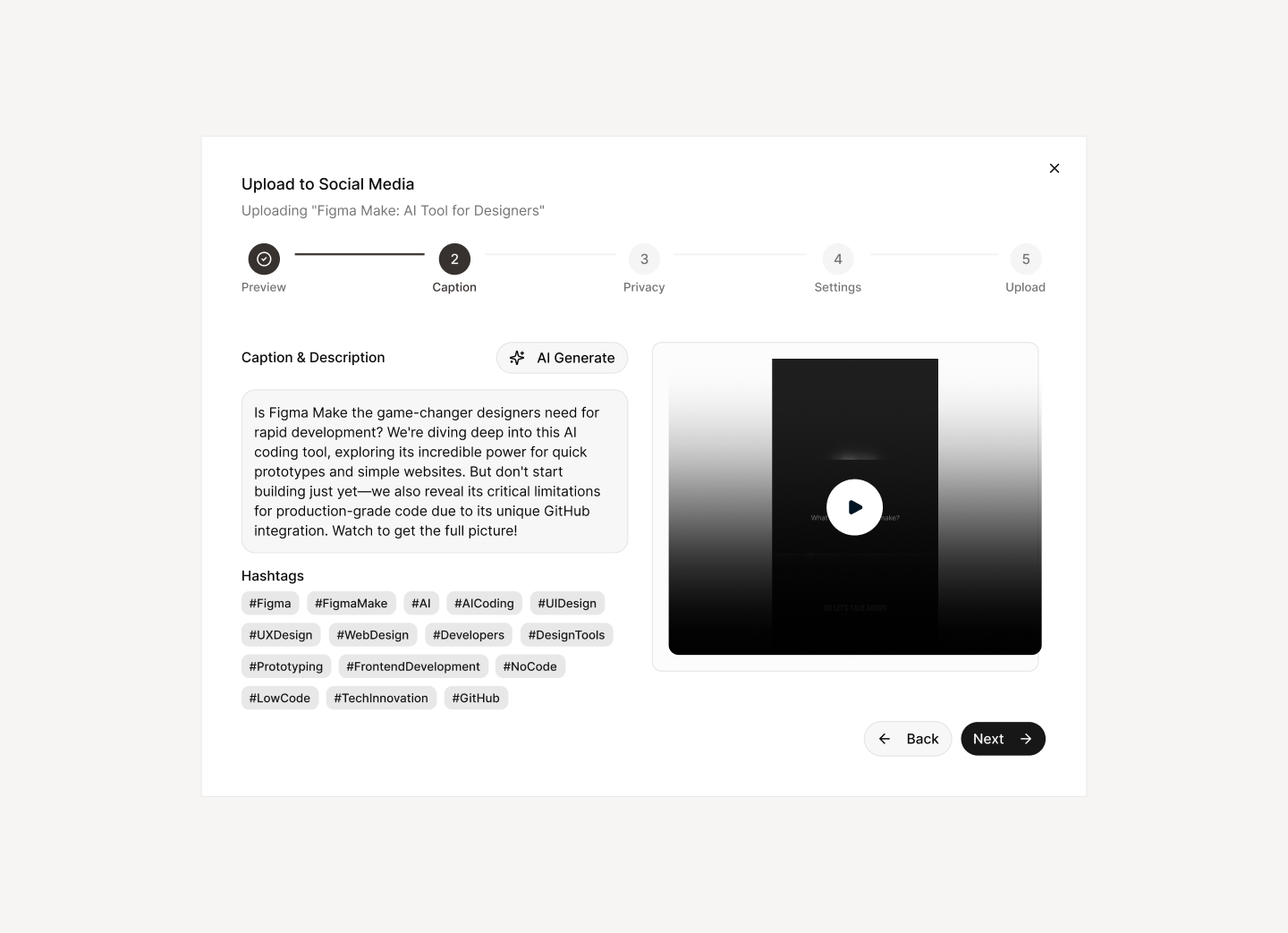
You can connect your YouTube, TikTok, and Instagram accounts securely through OAuth. This allows you to upload clips directly from the dashboard without leaving the platform. We never store your passwords.
Absolutely! All plans allow you to download clips directly to your device. The upload feature is optional — you can download clips and post them manually if you prefer.
Free plan supports 16:9 (landscape). Paid plans unlock 9:16 (vertical), 1:1 (square), and 4:5 (Instagram feed) aspect ratios. Pro plans also include face auto-framing for vertical crops.
Stop streaming to nobody. Start posting everywhere.
Sign up free. Connect your stream. Get your first clips in minutes.
Start Clipping — It's Free
No credit cardYouTube & TwitchCancel anytime
Quick Links