Clip any YouTube video or live stream into viral shorts.
Paste any YouTube or Twitch link — finished video or live stream. ClipperLab finds the viral moments, captions them, and hands you ready-to-post short-form clips in minutes.
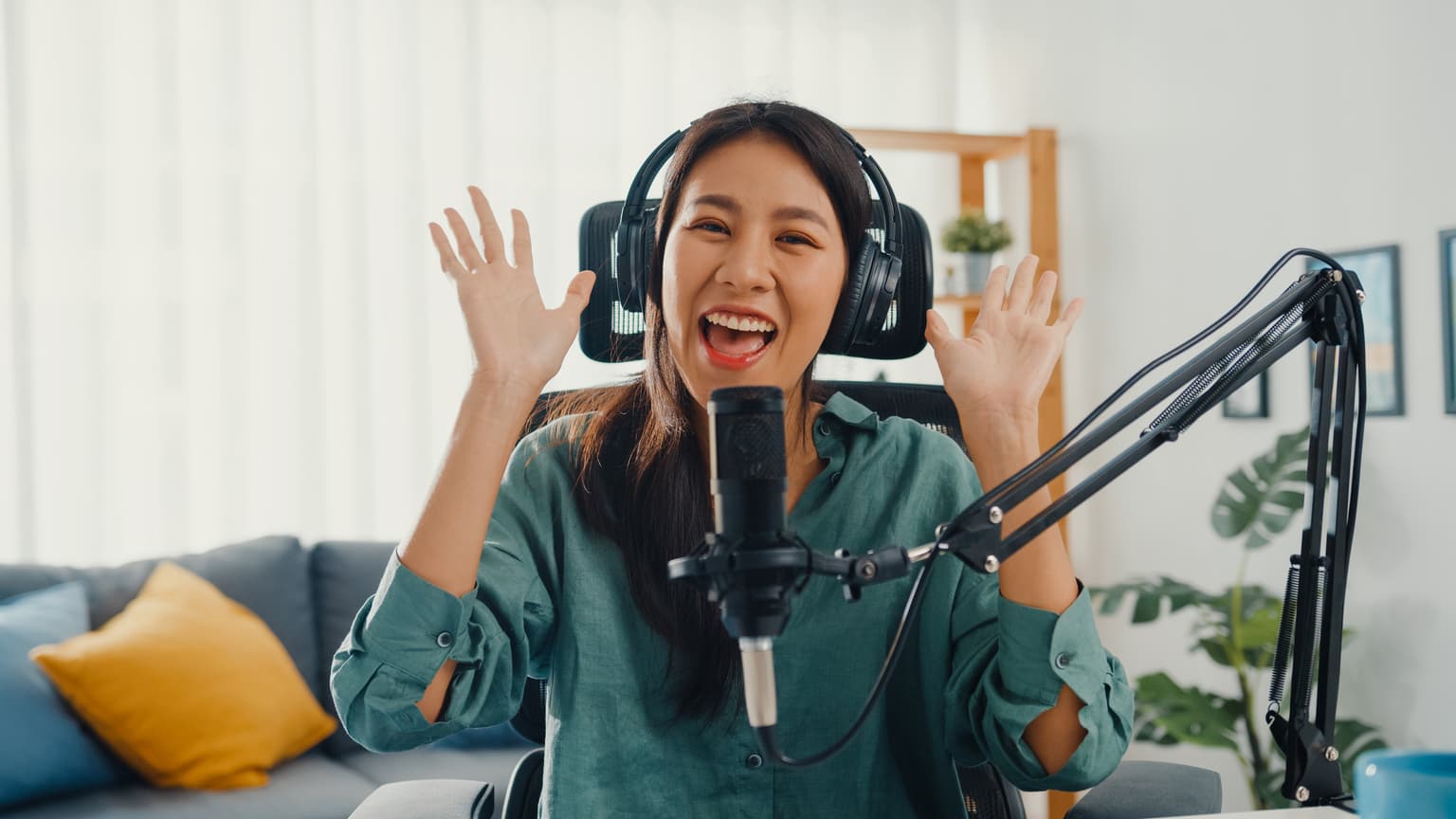 0:18
0:18Strong opening moment
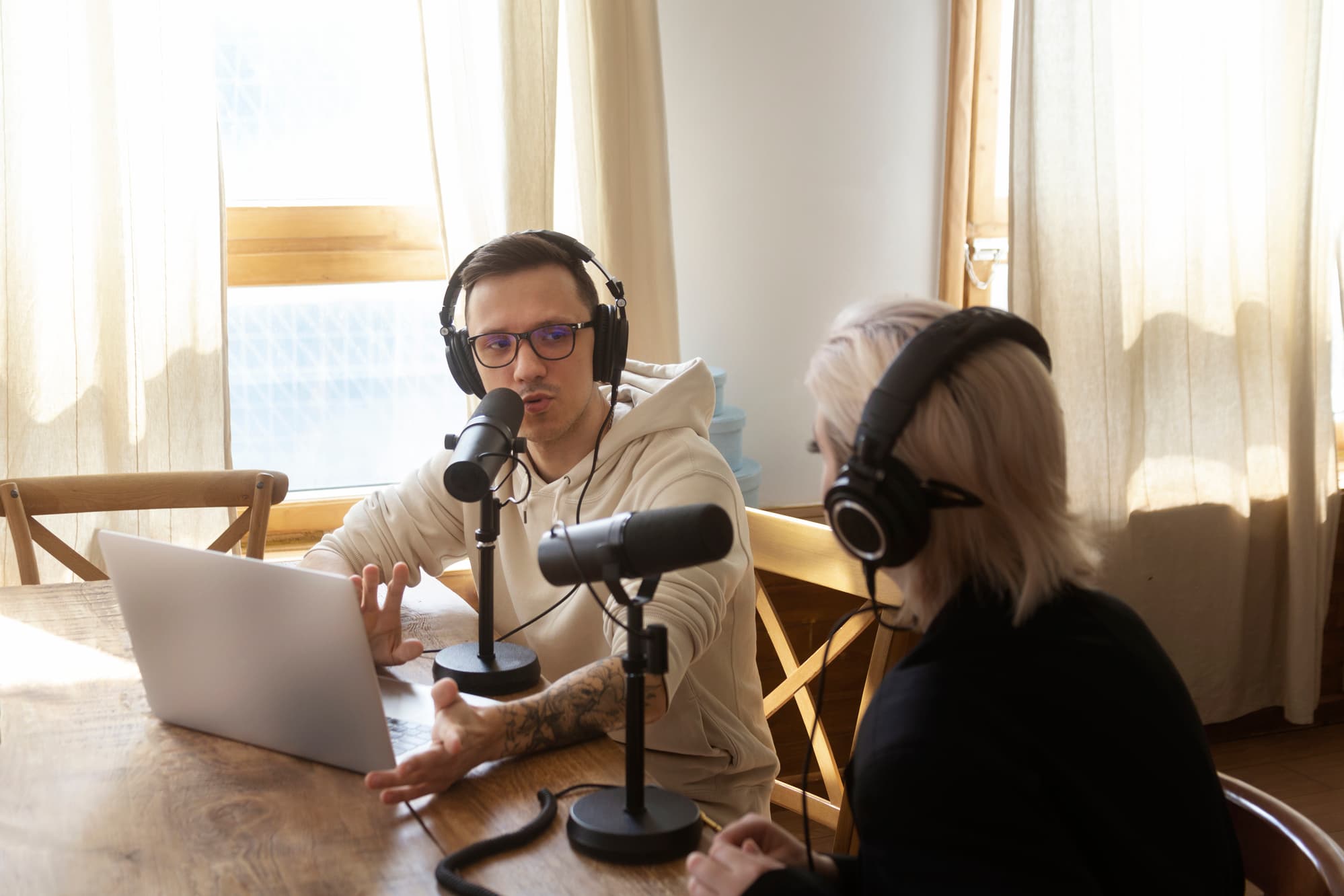
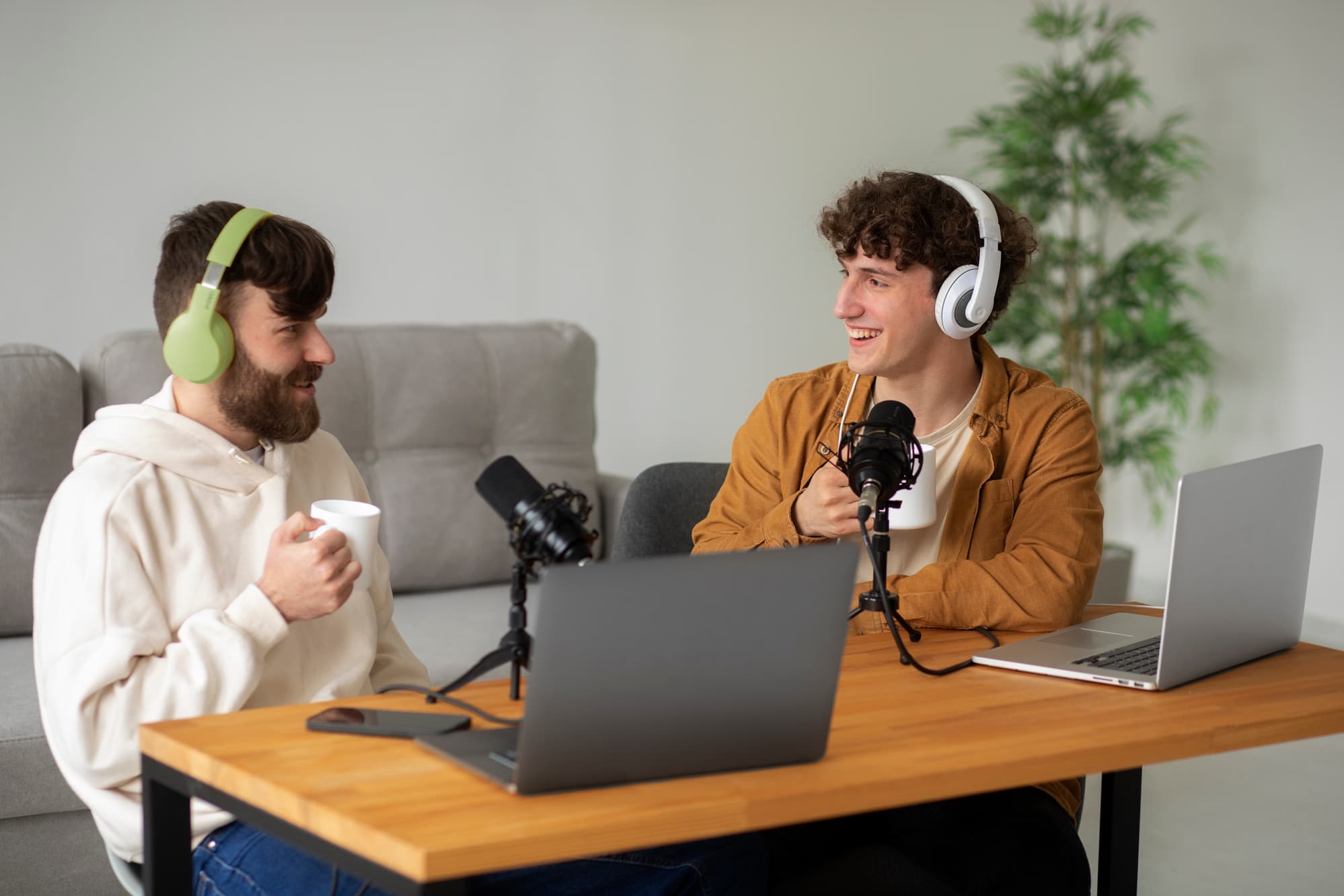
You're going live. But are you growing?
Moments vanish
You say something great on stream. Five minutes later it is gone, because nobody was there to clip it.
Editing eats the night
Scrubbing two hours of footage to find sixty good seconds is punishment, not a content strategy.
Growth is short-form
TikTok, Reels and Shorts are where creators grow now. Long streams miss all of it.
Three posts per clip
One good moment turns into three uploads, each re-cropped and captioned by hand.
Watched on mute
Short-form scrolls past on mute. Captions mean another pass over every clip.
Three steps. No editing.
Drop in a stream. ClipperLab finds the moments, formats the clips, and gets them ready to post.
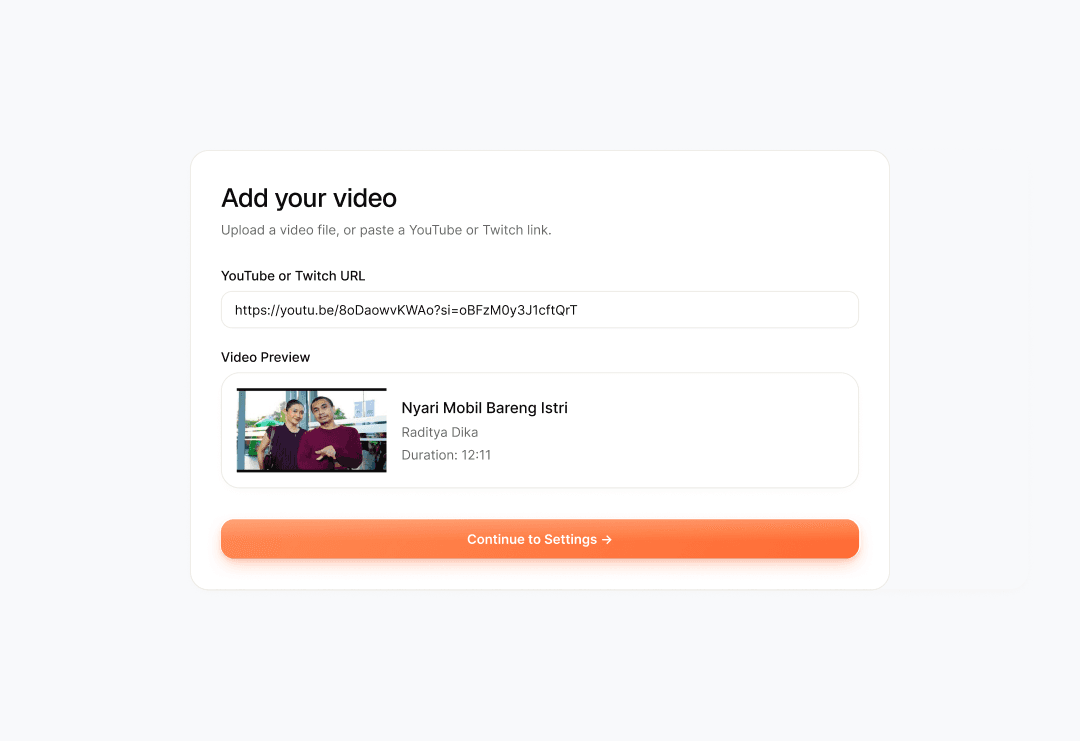
Drop in the stream.
Paste a YouTube or Twitch link, or upload a recording you already have.
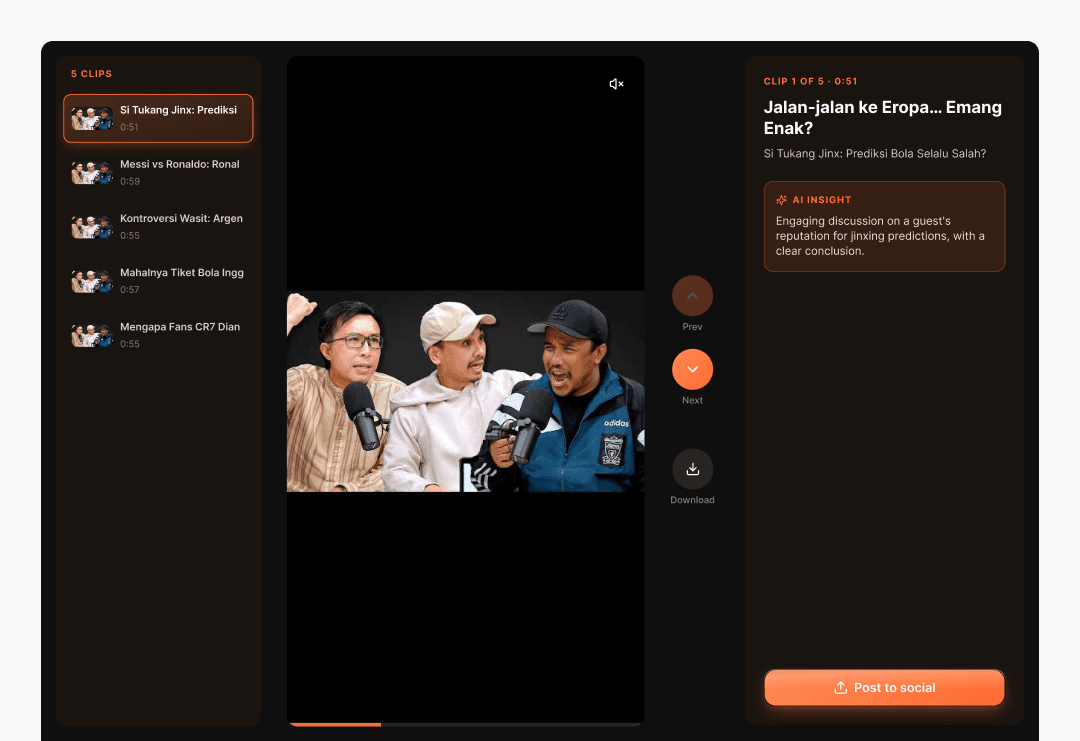
Let ClipperLab find the moments.
The AI watches the whole stream and surfaces the parts worth clipping.
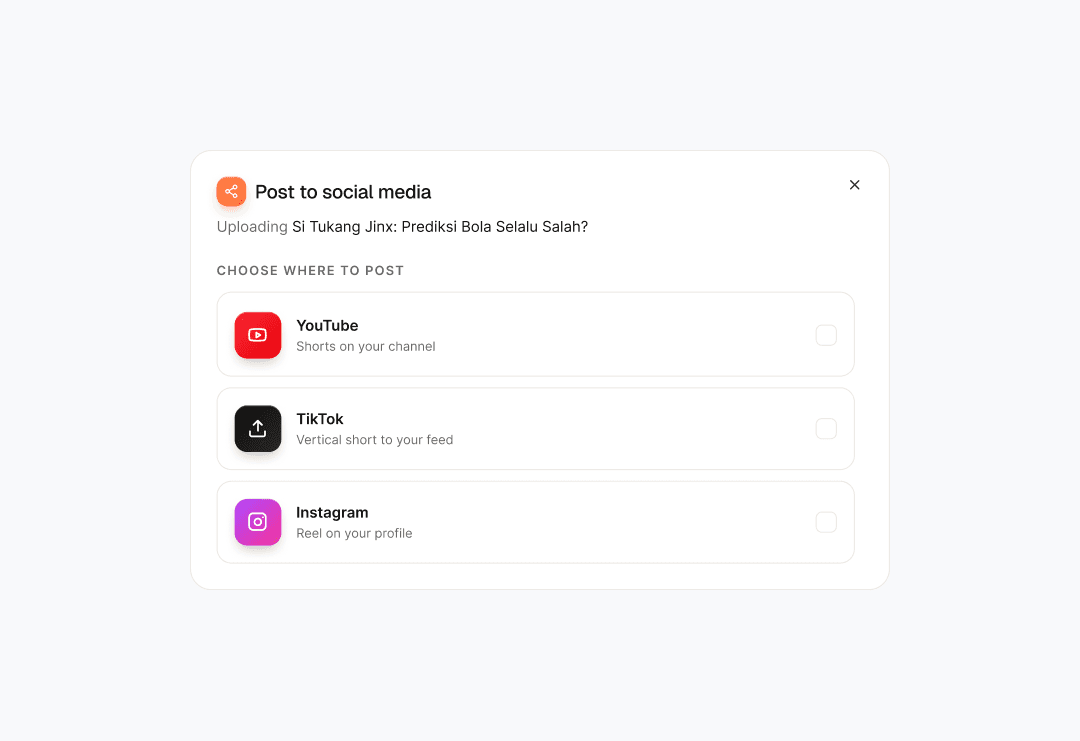
Get clips that are ready to post.
Captions, framing, and formats are handled before you ever see the clip.
One video.
Ten pieces of content.
You upload the video. ClipperLab finds the moments worth keeping, cuts them, burns in the captions, and hands back clips formatted for every feed.
AI clip discovery
Watches the whole recording, scores every moment against the rest, and returns only the ones worth posting.
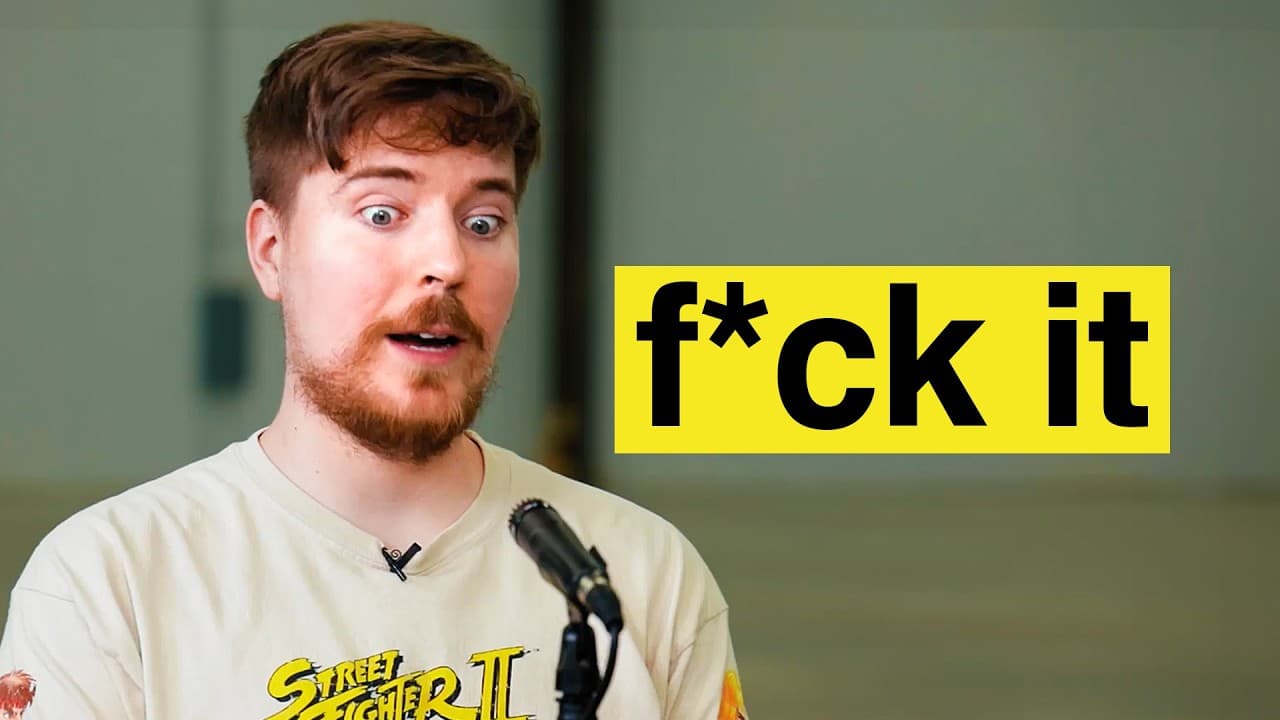
Captions burned in
Every clip comes back with captions burned in, because most of short-form gets watched with the sound off.
Crop or fit
Fill the vertical frame edge to edge, or keep the whole shot with a soft backdrop behind the empty space.
Every format
9:16, 1:1 and 4:5 all cut from the same clip, so nothing needs exporting or re-cropping a second time.
Ready to post
Clips come back edited, captioned and queued against whichever platforms you connected to the account.
Pay once. Clip forever.
Simple pricing for creators who want more content without more editing.
- 60 minutes of video
- 1080p output
- 10 clips per job
- No watermark
- Credits never expire
- 120 minutes of video
- 1080p output
- 10 clips per job
- No watermark
- Credits never expire
- 240 minutes of video
- 1080p output
- 10 clips per job
- No watermark
- Credits never expire
Every account starts with 30 free credits. No subscription, and credits never expire.
Your questions, answered.
Everything worth knowing before your next stream.
What does ClipperLab do?
You give it a long video or a stream link. It watches the whole thing, picks the moments worth posting, cuts them into short vertical clips, and burns in the captions. What comes back is ready to upload.
Can ClipperLab clip a live stream?
Yes. It keeps a rolling buffer of the last 90 seconds while you are live, so a moment you only noticed after it happened can still be pulled back and saved as a clip.
What platforms do you support?
YouTube and Twitch links go in, and you can upload a recording instead. Finished clips post straight to YouTube Shorts, TikTok, and Instagram Reels once you connect those accounts, or you can just download them.
How does the AI choose clips?
Every video is transcribed first, then the transcript is scored end to end for the things that travel: a strong opening, a clean argument, a quotable line. You get the highest scoring segments rather than the first ones it found.
Do clips include captions?
Every clip comes back captioned, on the free credits as well as the paid packs. Most short form is watched with the sound off, so captions are not a paid extra.
Can I edit the clips?
You choose the format and review everything before it goes anywhere, and you can download any clip and finish it in your own editor. There is no timeline editor inside ClipperLab.
How long does processing take?
It scales with the length of what you send. A short video comes back in a few minutes; a full length stream takes longer, and you can leave the page while it runs.
Is there a watermark?
Clips made with the free welcome credits are 720p and watermarked. Any credit pack you buy removes the watermark permanently and moves you to 1080p and 10 clips per job.
Can I cancel anytime?
There is nothing to cancel. ClipperLab is not a subscription. You buy credits when you need them, they never expire, and nothing charges you again.
Your next stream is already full of clips.
Clip the moments before they disappear.
Start clipping freeNo card needed. Thirty free credits to start.