Turn one long video into a week of TikToks
Paste a link or upload a file. You get short vertical clips with captions already burned in, ready to post or download.
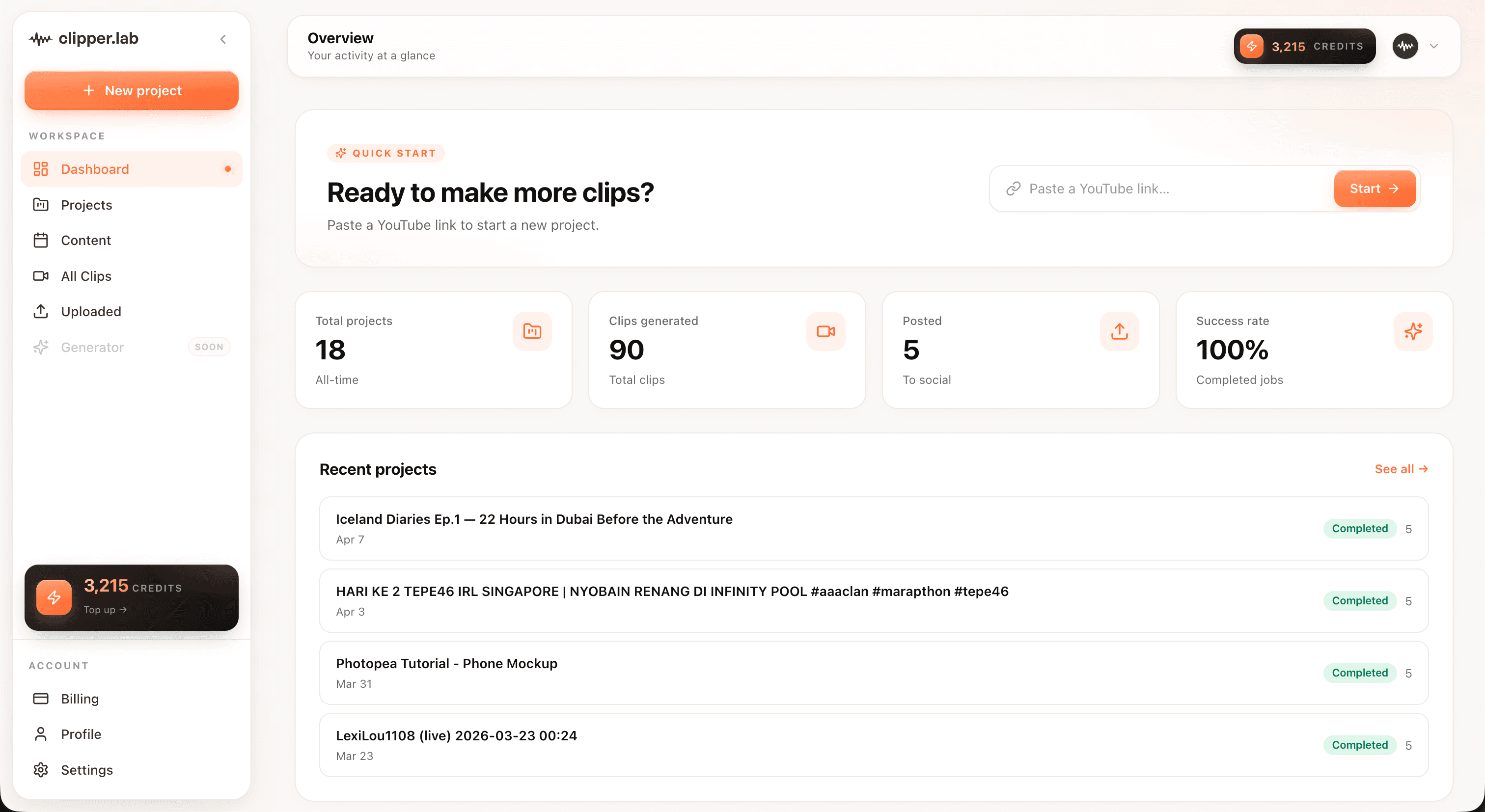
How it works
- 01
Give it a video
Paste a public YouTube link or upload a file from your computer.
- 02
It watches the whole thing
The audio is transcribed, then every part of the transcript is scored against the rest.
- 03
You pick what goes out
Review the clips, post to TikTok from the dashboard, or download the files.
Who it is for
Podcasters
Cut a two hour episode into the ten moments worth hearing on their own.
YouTubers
Get shorts out of videos you already published, without opening an editor.
Coaches and teachers
Turn one long lesson into a month of clips people can actually find.
Streamers
Clip a VOD after the fact, or capture the moment live from the browser extension.
What comes back
Captions on every clip, including the free ones
Most short form is watched on mute, so captions are not something we hold back for paying accounts. Every clip comes back with the words burned into the file, transcribed in whatever language the video is in.
Vertical without the re-crop
Fill the 9:16 frame edge to edge, or keep the whole shot with a soft backdrop behind it. Both come out of the same job.
Every aspect at once
9:16, 1:1, and 4:5 are cut from the same clip, so nothing needs exporting twice.
Ten clips per job
Five on the free credits, ten once you have bought any pack. One hour of video usually fills a week.
Straight to TikTok
Connect the account once and post from the dashboard through TikTok's own API.
How we compare
| Feature | Clipper Lab | Opus Clip | Kapwing |
|---|---|---|---|
| Pay once, no monthly subscription | |||
| Credits that never expire | |||
| Subtitles included on the free tier | |||
| Post to TikTok, Shorts, and Reels from the dashboard | |||
| Bahasa Indonesia interface | |||
| Priced in rupiah |
Post it without leaving the dashboard
Connect TikTok, YouTube, and Instagram once. Finished clips go out from here, so there is no downloading, re-uploading, or third party scheduler in the middle.
Questions people ask first
Is it actually free?
You get 30 credits when you sign up, no card. That is around 30 minutes of source video. Clips made with them come out at 720p with a small watermark, and you get five per job. Any credit pack removes the watermark and moves you to 1080p and ten clips.
How long is each clip?
Up to 60 seconds by default, which suits TikTok. You can pull that down to 15 seconds or push it to 90 when you set the job up.
Will the clips get me a copyright strike?
Not if the video is yours or you have permission. If you paste someone else's link, the rights are still theirs. We process the video, we do not license it to you.
How long does it take?
A 30 minute video is usually done in a few minutes. You can close the tab and come back to it.
Can I post to TikTok from here?
Yes. Connect the account once and clips go out through TikTok's official Content Posting API. We never see or store your password.
What if I do not like the moments it picked?
Every clip comes with a line explaining why it was chosen. You can run the job again for a different set, or download the file and cut it yourself.
Your first clip is about four minutes away.
Sign up and 30 credits land in your account. No card, no subscription.
Make TikTok clips free