Get Shorts out of the videos you already made
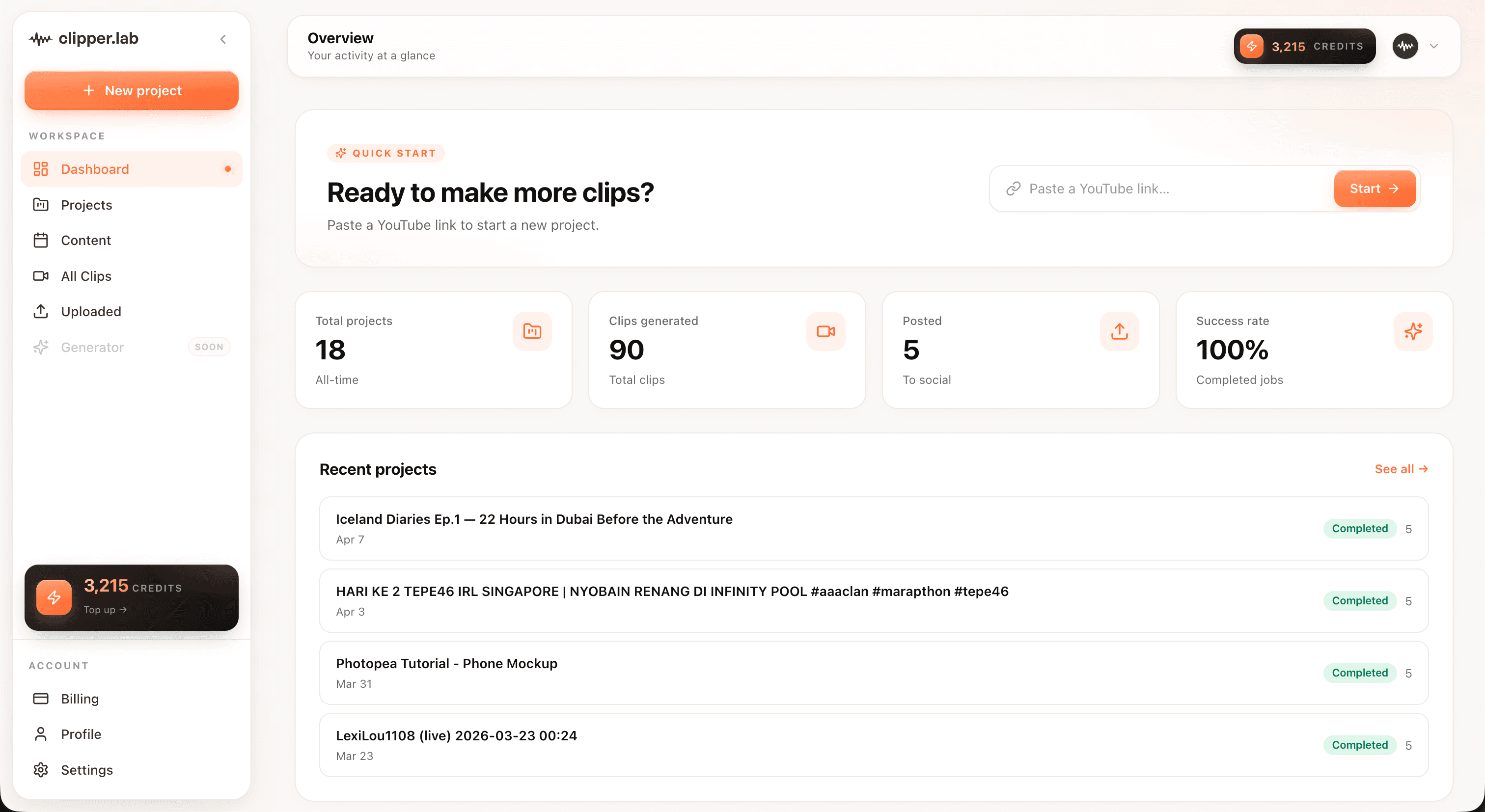
Paste a YouTube link. The best moments come back as vertical clips with captions, ready to publish to your own channel.
How it works
- 01
Paste the link
Any public YouTube video: a podcast, a vlog, a talk, an interview, a past stream.
- 02
The transcript gets scored
Every segment is judged against the rest of the video, not against the clock.
- 03
Publish or download
Send clips to your Shorts feed as drafts, or take the files and do it yourself.
Who it is for
Vloggers
Turn this week's upload into next week's Shorts without re-editing anything.
Podcasters
Give people a reason to go and find the full episode.
Interview channels
One long conversation usually holds five or six clips that stand up alone.
Teachers
Build a Shorts presence from lectures you have already recorded.
What comes back
It reads the whole video before choosing anything
The transcript is scored end to end, so what comes back is the strongest few minutes of an hour rather than the first few minutes of it. Each clip arrives with a line saying why it was picked.
Captions in four styles
Clean, bold, podcast, or news. Burned into the file, so they survive re-uploads.
Up to ten clips a job
A single hour long video is usually a week of posting.
Upload as drafts
Clips land in your Shorts feed as drafts, so nothing publishes before you look at it.
Works in your language
Transcription covers 100+ languages, and the scoring reads the transcript in whichever one it is.
How we compare
| Feature | Clipper Lab | Opus Clip | Kapwing |
|---|---|---|---|
| Pay once, no monthly subscription | |||
| Credits that never expire | |||
| Subtitles included on the free tier | |||
| Post to TikTok, Shorts, and Reels from the dashboard | |||
| Bahasa Indonesia interface | |||
| Priced in rupiah |
Post it without leaving the dashboard
Connect TikTok, YouTube, and Instagram once. Finished clips go out from here, so there is no downloading, re-uploading, or third party scheduler in the middle.
Questions people ask first
Does it work on private or age restricted videos?
Public videos only. Private, members only, and age restricted videos need a sign in that our downloader does not do.
How does it decide what to clip?
The whole video is transcribed, then each part of the transcript is scored for whether it stands on its own, how strongly it opens, and whether it lands. The top few are cut.
Can I change the selection?
You can run the job again for a different set. Trimming individual clips inside ClipperLab is not built yet, so for now that happens in your own editor.
Is Shorts the only place these work?
No. The same clips fit TikTok and Reels, and you can download them for anywhere else.
What about copyright on a video I do not own?
That is on you to clear. We give you the tool; the rights to the underlying video stay with whoever made it.
Does it handle videos that are not in English?
Yes. Indonesian, Spanish, Japanese and about a hundred others transcribe fine, and the scoring reads them in the original language.
Your first clip is about four minutes away.
Sign up and 30 credits land in your account. No card, no subscription.
Generate Shorts from YouTube